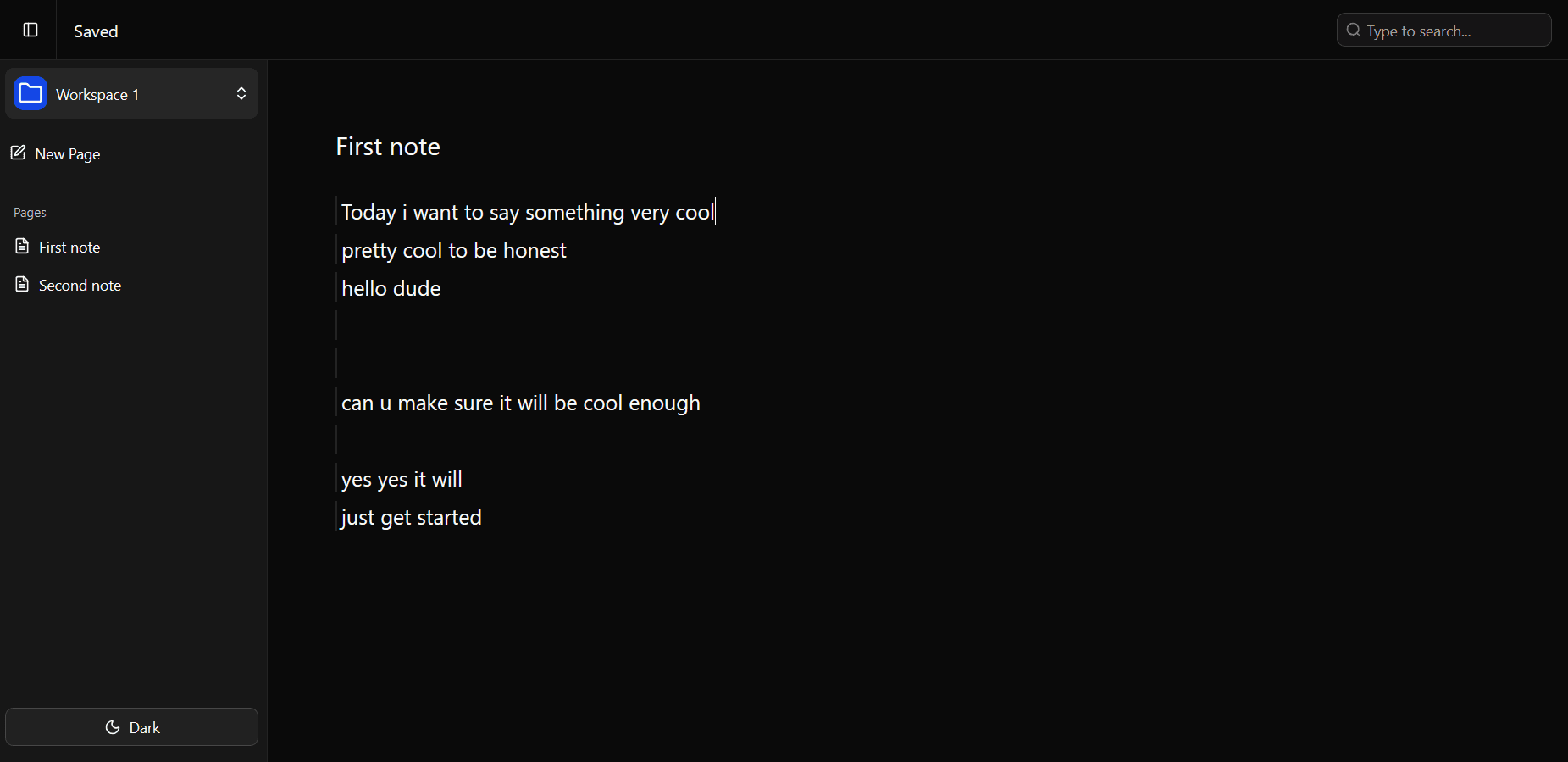
Every line is its own block
Hit Enter to split a block, Backspace to merge one away, and the arrow keys to move between them. No formatting toolbar to lose a paragraph in.
OpenNotion is where you and your teams can share and manage notes so easily that will make you go crazy. Now a team of 6.7 feels like 67.
Get started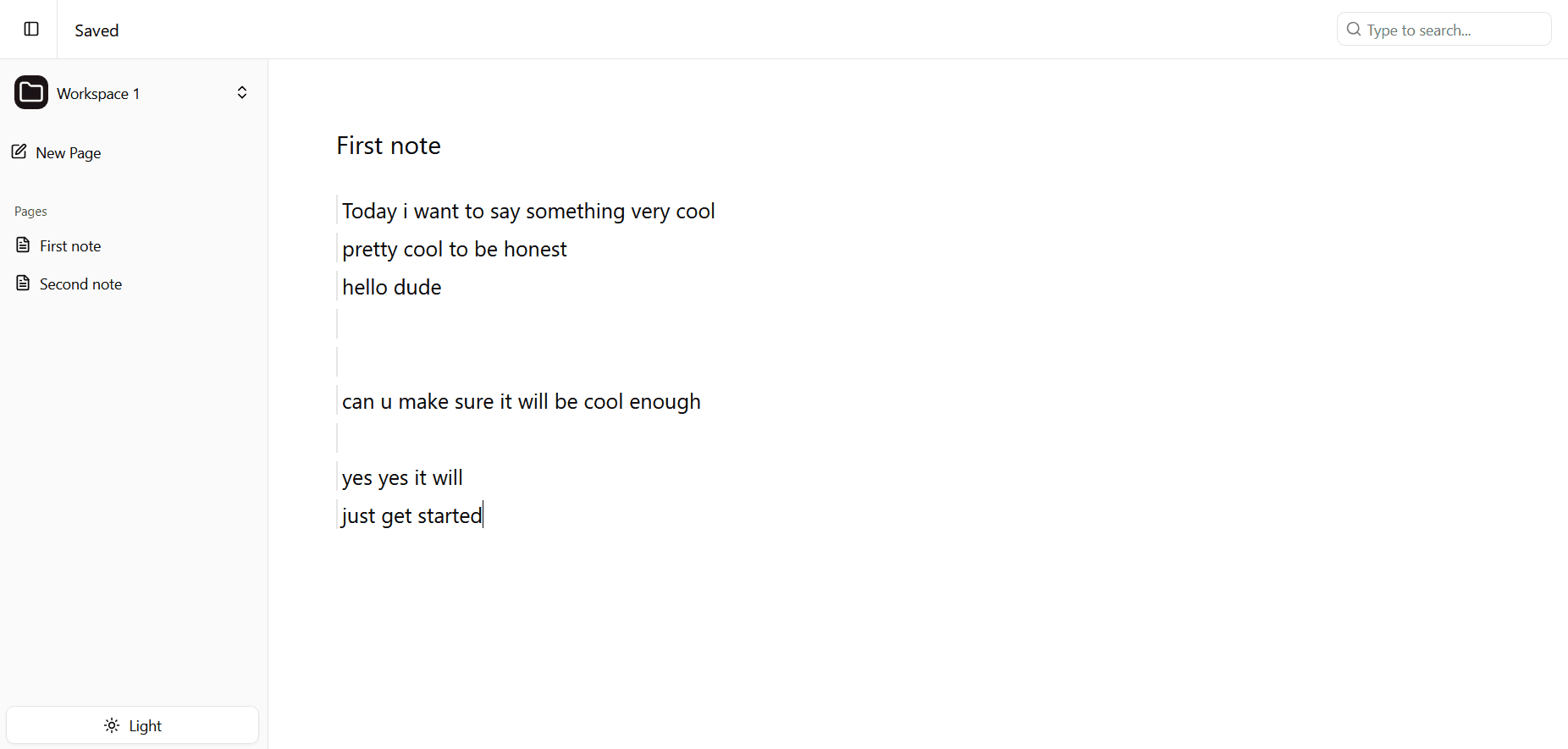
What you get
OpenNotion keeps writing, finding, and sharing in one place, so nobody has to ask where a note ended up.
Hit Enter to split a block, Backspace to merge one away, and the arrow keys to move between them. No formatting toolbar to lose a paragraph in.
A block starts as plain text. Type / to turn it into a task or back again.
One shortcut searches the whole workspace and shows which page each hit came from.
Publish one page to a read only URL. Viewers see the finished note without needing an account.
Paste a URL and it becomes clickable as you type, with a preview before it opens.